Stale content
USB tours and unmanaged sticks drift off-brand fast.

StreamScreen is clinic-first digital signage: wait, hours, and promo from the front desk. Players call out only — no inbound firewall holes.
The quiet failure
Wrong hours after a holiday. Last month’s promo. A stick on the wrong input. When you’re running behind, patients ask the desk — because the glass never changed.
USB tours and unmanaged sticks drift off-brand fast.
The desk can’t change it. IT won’t babysit the TV.
You learn a screen is dark when a patient does.
What you get
Hand the desk wait and promo. Give ops rollout and visibility. Keep the clinic firewall closed.
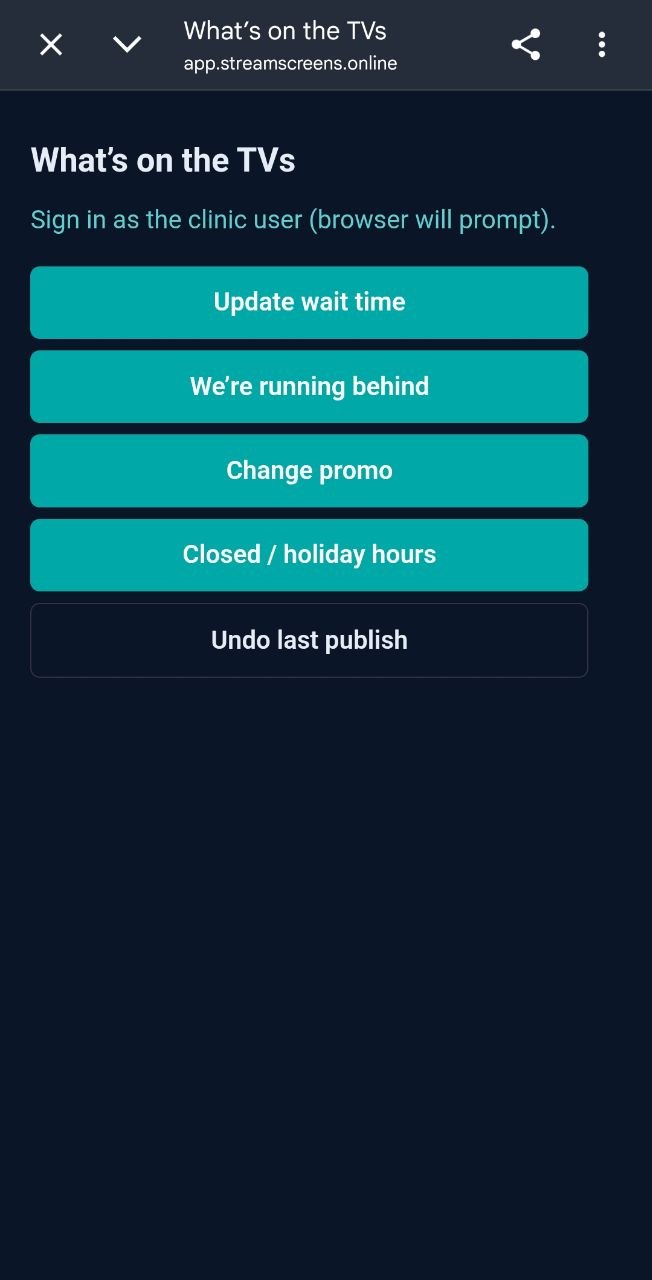
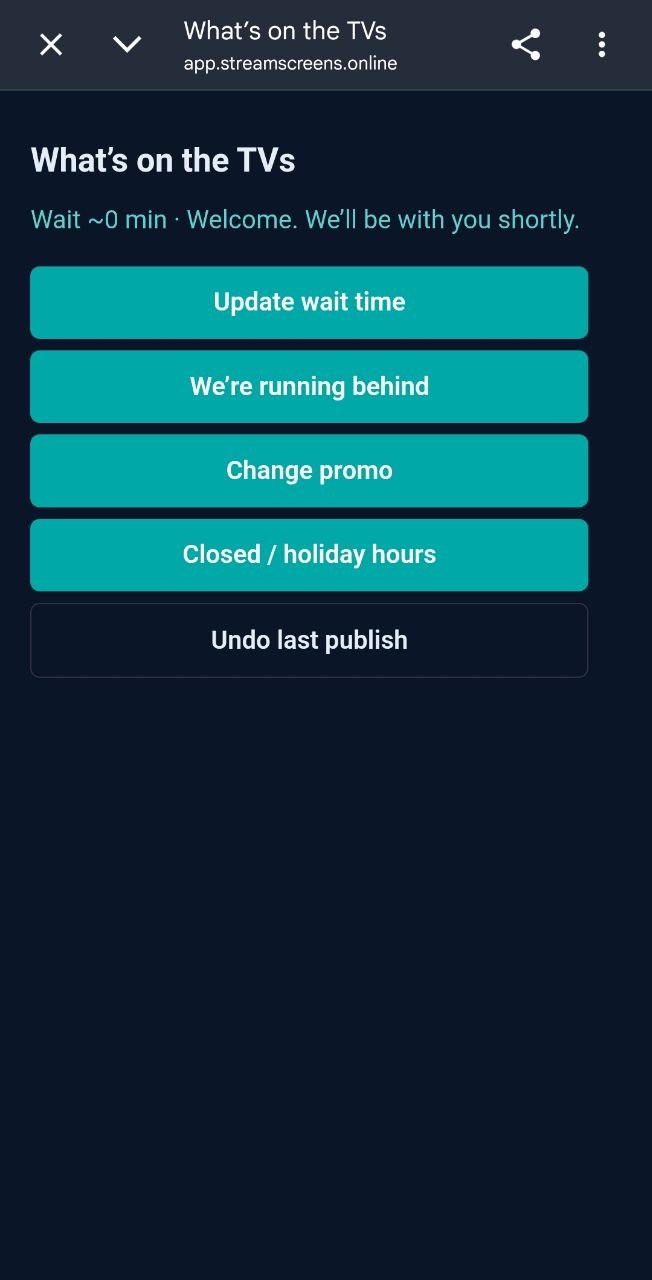
Set the wait, mark “we’re running behind,” or post holiday hours. Undo the last publish.
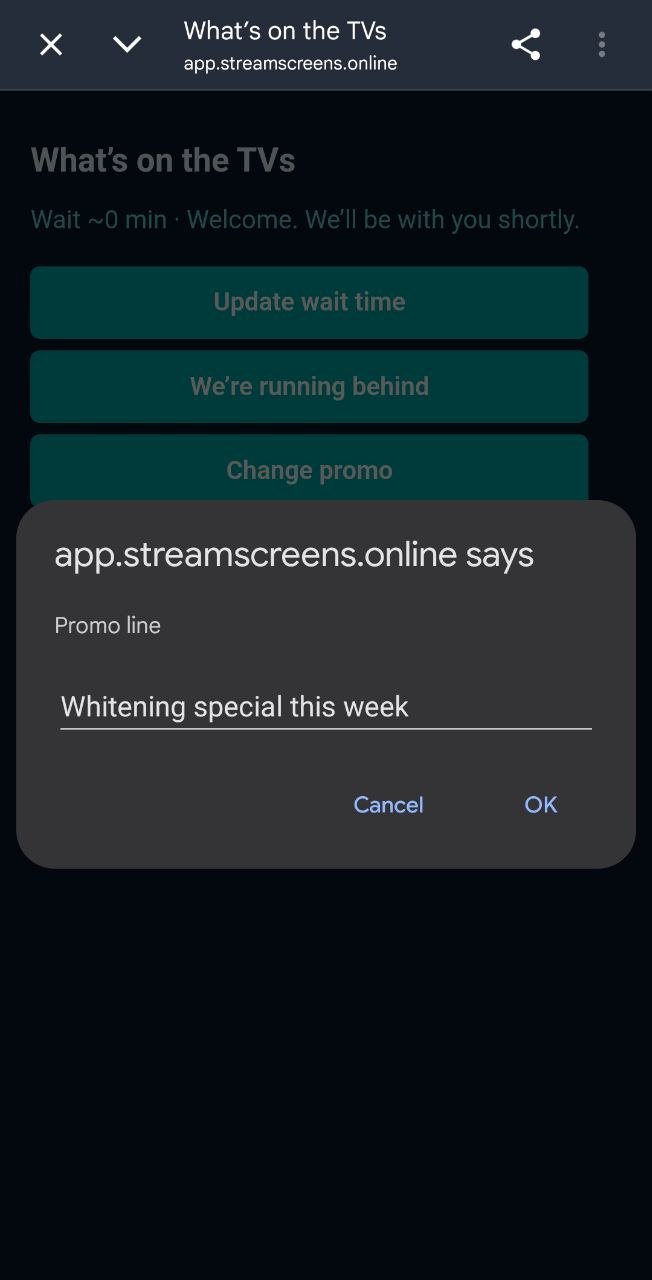
Type this week’s offer. The waiting-room TV picks it up.
Players start the connection. No inbound holes for day-to-day signage.
Push a playlist to a waiting room, a lobby, or a group of screens.
Last good playlist stays up if the internet blips.
We provision the desk login. No public signup.
How it works
From a glass walkthrough to a waiting-room TV that shows the right hours.
We walk wait, hours, and promo with your office manager. Access is invited later — not a public signup.
Code or QR. The player licenses, calls out, and shows up online. Your LAN stays closed.
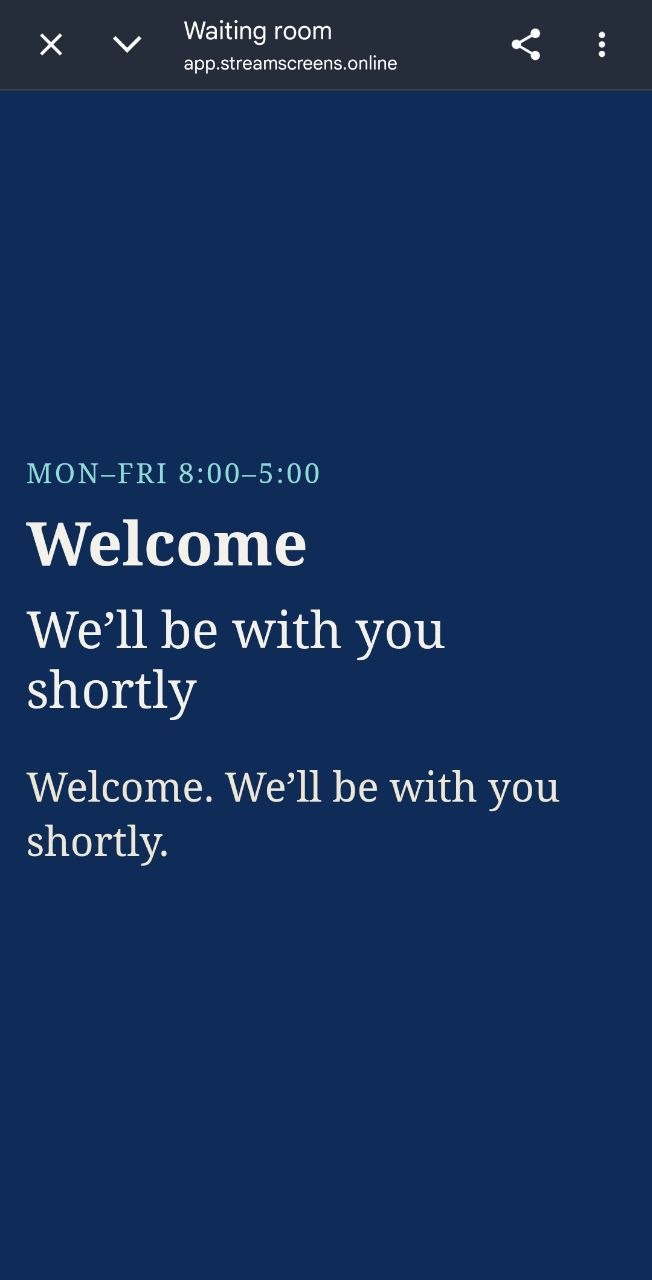
Hours, wait, and promo. The waiting-room TV updates.
Where it fits
Front-desk updates in seconds. Pair a TV, put logo and hours on glass.
Wait boards, holiday hours, and offer hygiene without USB chaos.
Same desk tools, plus groups when you add locations.
Outbound-only by design. Review packet for MSPs and clinic IT.
Visual proof
These are the moments that matter on a Tuesday at the front desk.
Trust
Wait, hours, and promo without calling a vendor or IT.
Players call out only — built for clinic security reviews.
Same stack from one waiting room to multi-site groups.
Hardware
Use the clinic TV you already have. StreamScreen thin players are outbound-only. Hardware is quoted separate from the software seat.
Request a 15-min glass demo. Tell us screen count and clinic type. We’ll reply with times and a written quote path — no public login wall.