Hours & closed
Regular hours, closed today, or a holiday message. Clear it when you reopen.

Clinic signage
Built for a real office manager in dental, vet, urgent care, or PT. Pair the TV, put logo and hours on glass, then change wait or this week’s promo in seconds. No AV jargon.
On the glass
Calm, adult, on-brand — not a looping USB of stock footage.
Regular hours, closed today, or a holiday message. Clear it when you reopen.
Set the minutes. “We’re running behind” adds to that. Undo the last publish.
One line for this week’s offer. The waiting-room screen updates.
Player shows a code. You claim it. It calls out — no inbound ports.
Day in the life
Hours already correct on glass.
Publish wait in seconds.
Swap promo before lunch.
Holiday hours ready before the long weekend.
Hours, wait, and promo match what you published.
Setup
Pairing is the hardware dance. Content can wait until you’re ready.
Dental, vet, urgent care, or PT — we start you with the right look.
The waiting room where the TV lives. Address is optional.
Logo, hours, a few provider photos. Everything else can wait.
Players call out only. No inbound ports for normal operation — built for clinic networks and MSP review.
FAQ
Yes — HDMI into a thin player. Keep the mount; lose the unmanaged stick tour.
Yes. Ethernet is preferred when the TV location allows it.
Invited office manager / front desk and ops users — not a public signup.
A Firestick is a consumer stick. StreamScreen is a dedicated player for wait, hours, and promo.
Same desk. Groups and playlists when you add locations.
On a real screen
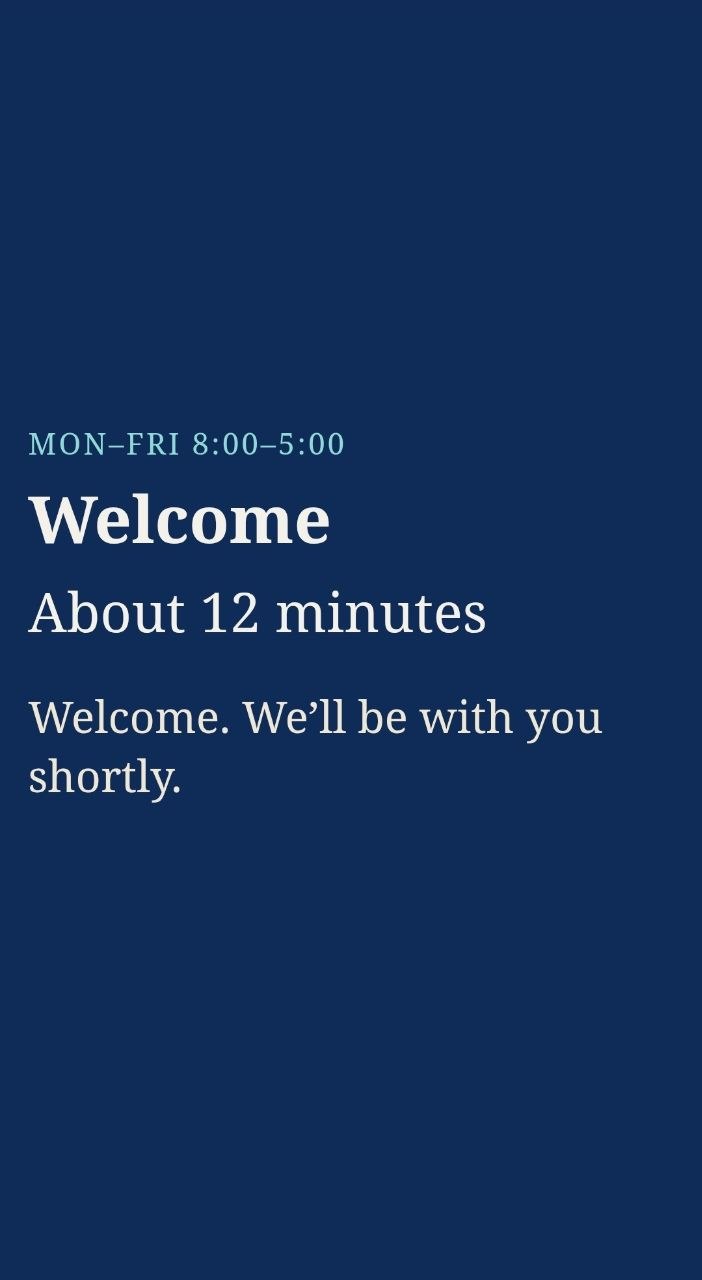
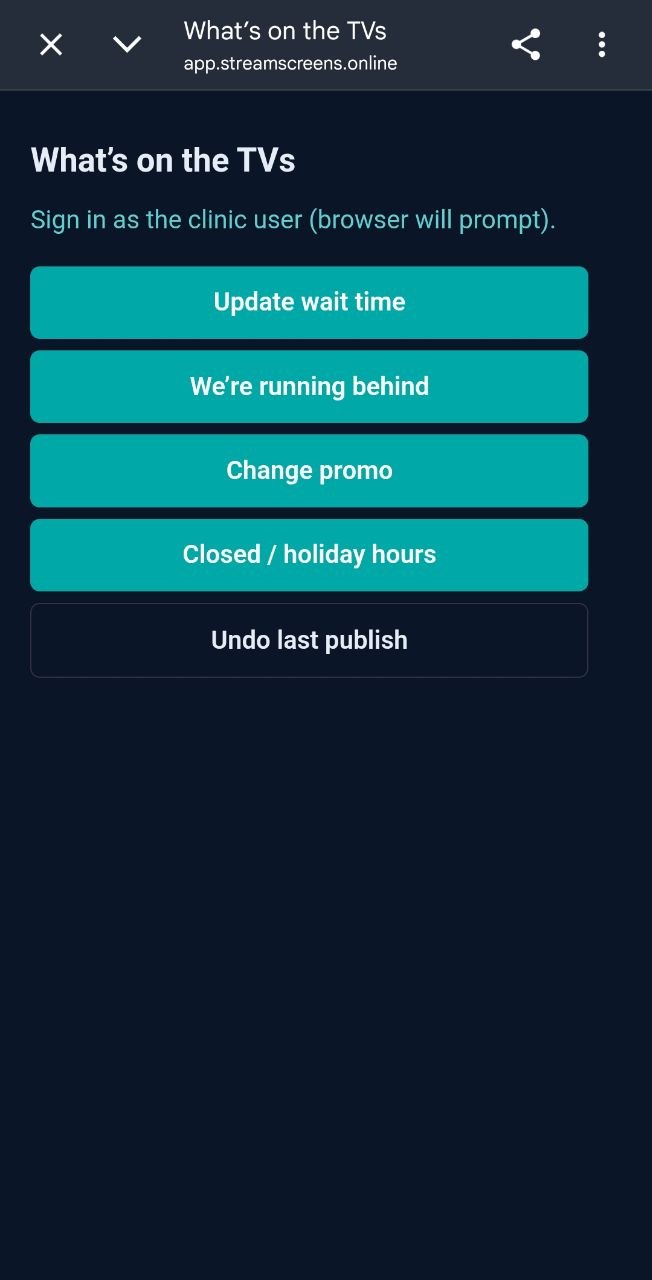
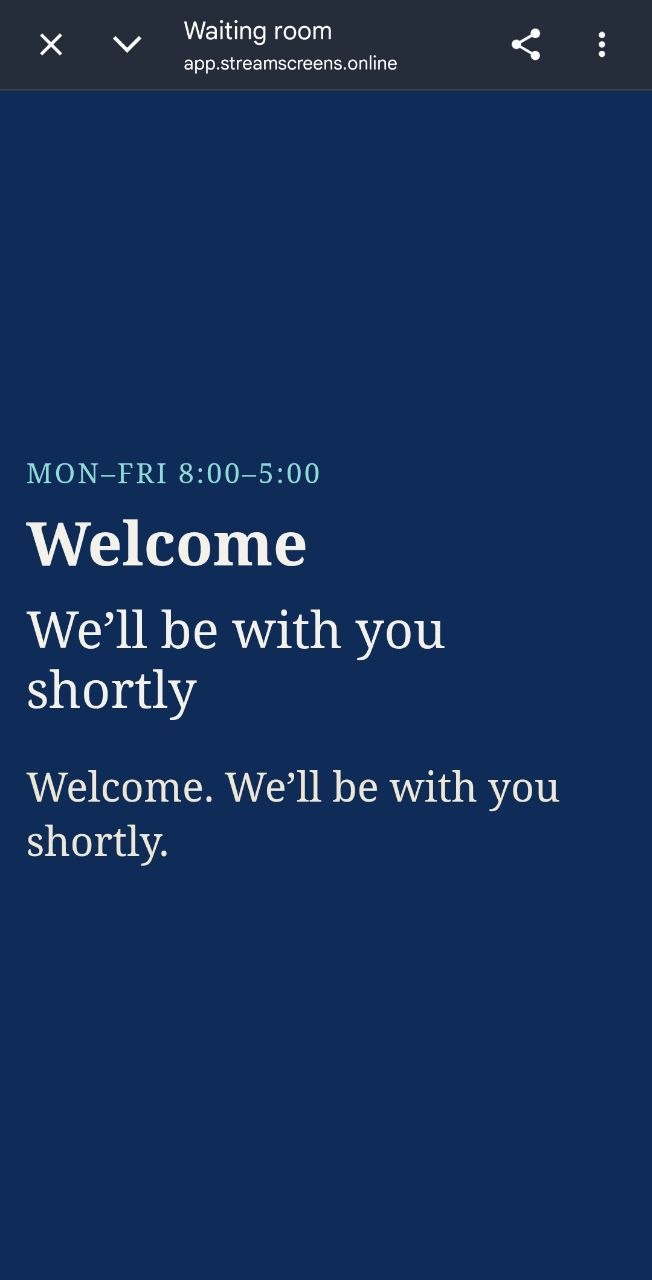
Request a demo and we’ll walk the office manager through pairing. Access is invited, not a public login.